Crypto Around the World
Mobile-First Crypto Usage Around the World
Why many crypto users around the world rely on phones rather than computers, what that means for wallets and apps, and how builders can design for mobile-first users.
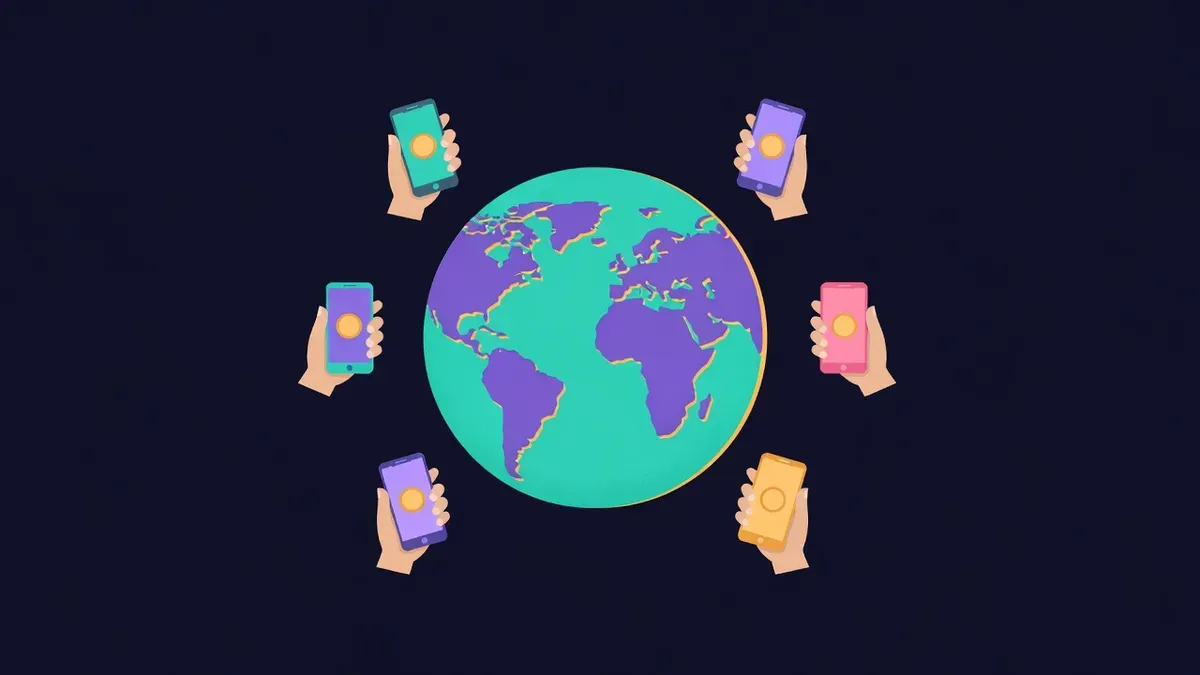
For many people, the phone is the only computer they use every day. In large parts of the world, internet access arrived through smartphones, often skipping desktops and laptops entirely. Crypto adoption followed the same path. Many users buy, hold, send and spend crypto without ever opening a browser extension on a computer.
Builders who assume users sit at desktops miss a large share of the global audience.
Why mobile comes first
Several factors push crypto usage toward phones:
- Smartphones are more affordable and widespread than computers in many regions
- Mobile money and payment apps already trained people to handle finance on phones
- Messaging apps are central to communication and commerce
- Mobile wallets make receiving and sending simple with QR codes
- Many users access the internet mainly through mobile data
In these contexts, a crypto product that works poorly on phones is effectively unavailable.
How mobile users interact with crypto
Mobile-first users often follow patterns that differ from desktop users:
| Pattern | Implication for builders |
|---|---|
| Using wallet apps with built-in browsers | Test dApps inside popular wallet browsers |
| Paying by scanning QR codes | Offer clear QR payment options |
| Sharing links in messaging apps | Make link previews and deep links work well |
| Switching between apps frequently | Preserve state when users return |
| Using limited or expensive data | Keep pages light and fast |
| Holding assets on exchanges with mobile apps | Support payments from exchange withdrawals |
Design for small screens
Mobile design goes beyond shrinking a desktop layout:
- Put the main action within easy reach of the thumb
- Use large tap targets and readable text sizes
- Keep forms short and use the right keyboard types for numbers and addresses
- Offer copy buttons for addresses and amounts
- Avoid hover-only interactions and tiny icons
- Show clear network and token labels near every amount
Test on mid-range Android devices as well as recent flagship phones. Many users run older hardware with less memory.
Wallet browsers and deep links
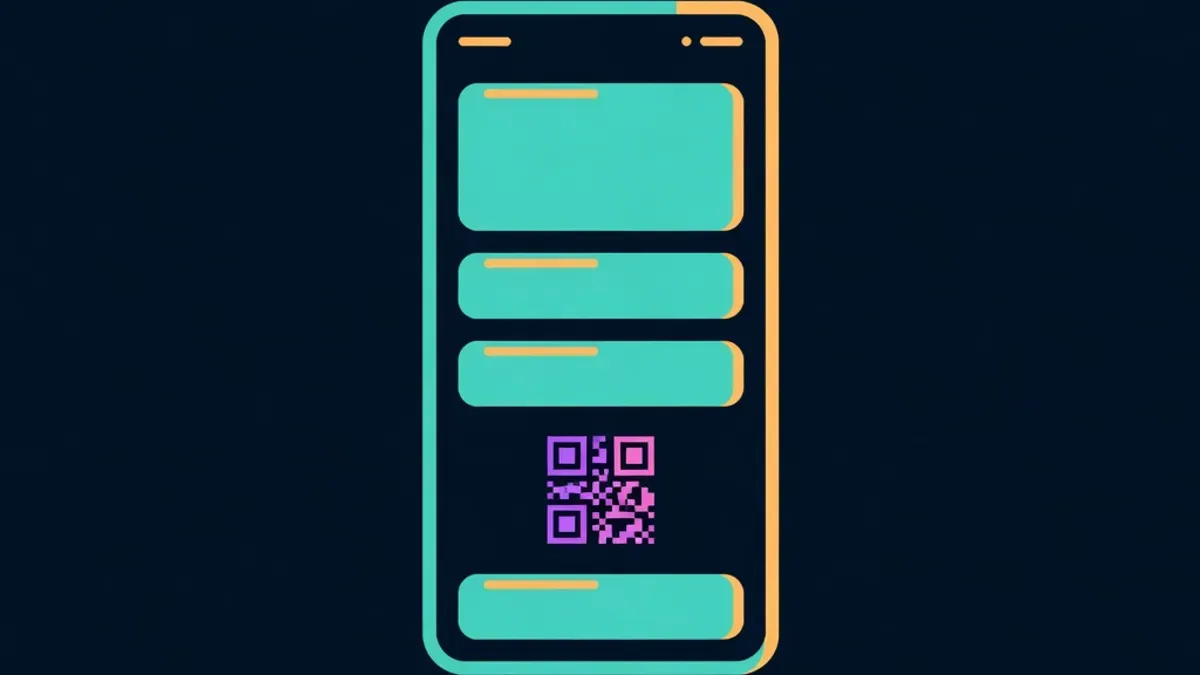
Many mobile users open dApps inside their wallet's built-in browser. These browsers can behave differently from standard mobile browsers, with limits on pop-ups, file uploads or storage. Test key flows in the most popular wallet browsers your audience uses.
Deep links that open a wallet app with a prepared action can reduce friction, but support varies. Always provide a fallback, such as a QR code or a copyable address.
Security on mobile
Phones carry specific risks:
- Fake wallet apps in app stores or distributed through links
- SMS-based account recovery vulnerable to SIM swaps
- Clipboard malware that swaps copied addresses
- Lost or stolen devices
Encourage users to download wallets only from official links, enable device security and verify addresses after pasting. Clear warnings inside apps matter even more when users have fewer security tools than desktop users.
Payments on the go
Mobile-first users often pay in person or through chat. Payment flows that work well on phones include QR codes showing amount, token and network, payment links shared in messaging apps and simple confirmation screens with explorer links.
Performance matters
Heavy websites cost mobile users time and money. Keep pages light, compress images, avoid large scripts and load non-essential features later. A page that loads quickly on a slow mobile connection feels trustworthy. One that takes a long time feels broken.
Design once, test everywhere
Proud Globe was built mobile-first: the globe works with touch gestures, the claim form fits small screens and order pages offer QR codes and copy buttons for paying from a phone wallet. You can try it from your phone on the claim page.
Educational content only. Nothing here is financial, legal or tax advice. Crypto assets carry risk, so check the details for your own situation.