Wallets and Security
Security Checklist Before Connecting a Wallet
A quick security checklist to run before connecting a crypto wallet to any website, covering link verification, wallet choice, permissions and signing habits.
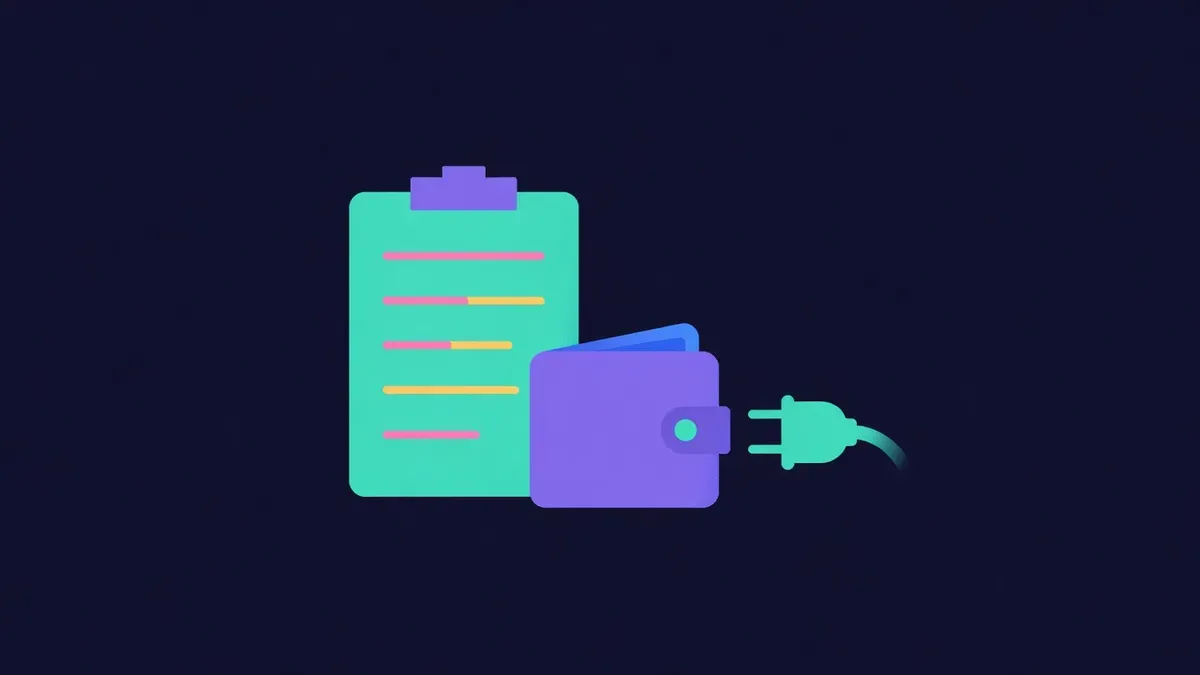
Connecting a wallet to a website is usually harmless on its own. It shares your public address, nothing more. The danger comes from what happens after connection: approvals, signatures and transactions on sites that may be fake, compromised or poorly built. A quick checklist before connecting catches most problems before they cost anything.
Step 1: Confirm the website
- Did you reach the site through a bookmark or the project's official website?
- Is the domain spelled exactly right?
- Does the site's official X account link to this domain?
- Did the link come from a DM, reply or ad? If so, verify it independently.
Most wallet drains start on fake websites. Verifying the domain is the most valuable step.
Step 2: Choose the right wallet
Use the wallet that matches the risk:
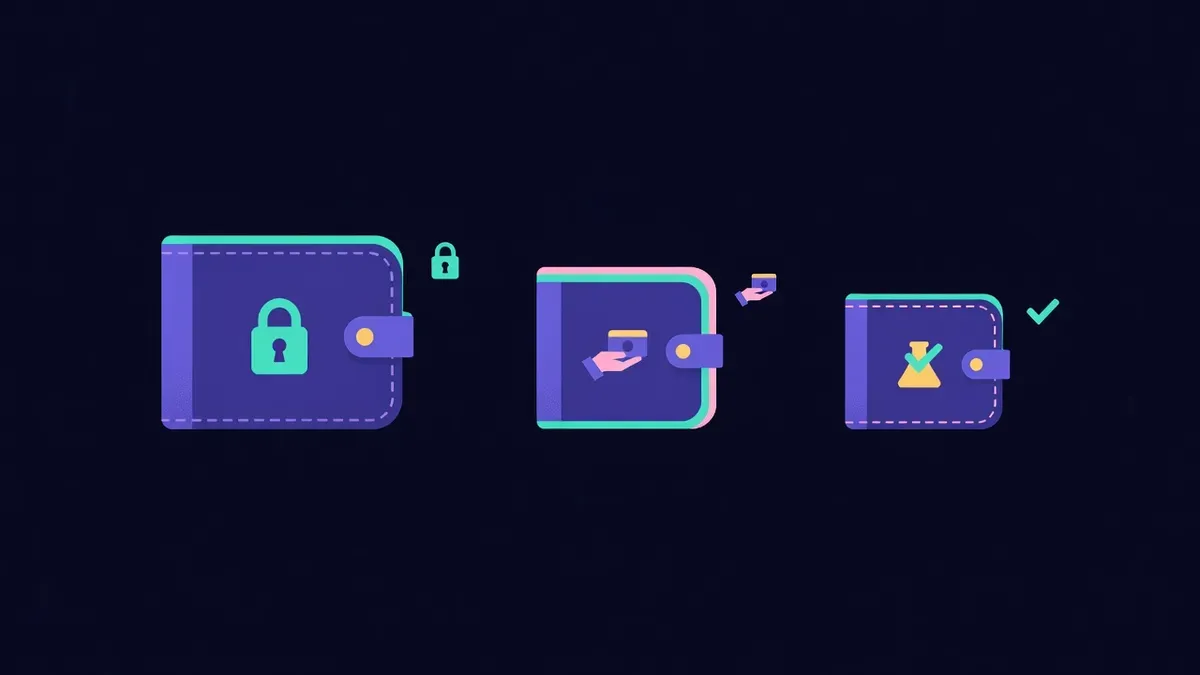
| Situation | Wallet to use |
|---|---|
| New or unfamiliar site | Low-balance experimental wallet |
| Trusted app you use regularly | Daily wallet with moderate funds |
| Large holdings | Hardware wallet, only for well-known apps |
| Simple payment to a merchant | Spending wallet with enough for the payment |
Never connect a wallet holding your long-term savings to a site you have not used before.
Step 3: Understand why the site needs a connection
Ask what the site will do:
- Show balances or portfolio information
- Let you trade, deposit or mint
- Verify ownership of an NFT or token
- Process a payment
If a site asks you to connect for a reason that does not make sense, such as "verifying" your wallet to fix an unspecified problem, leave.
Step 4: Watch the first prompt
After connecting, sites may request a signature or transaction. Before approving:
- Read the request type: signature, approval or transaction
- Check the token, amount and spender or recipient
- Look for wallet security warnings or simulation results
- Reject anything unclear
A login signature should display plain text mentioning the site. Approvals during a claim or payment are warning signs.
Step 5: Limit permissions
If the site genuinely needs an approval, such as a swap:
- Approve only the amount needed for this transaction
- Confirm the spender contract matches the official one
- Revoke the approval later if you will not use the site again
Step 6: Check the network
Make sure the wallet is on the network the site expects. Unexpected network switch requests to unfamiliar chains deserve caution.
Step 7: Disconnect when done
After finishing, disconnect the site in your wallet settings. Periodically review connected sites and remove old ones.
Quick reference
- Verified domain
- Appropriate wallet
- Clear reason to connect
- Readable, expected prompts
- Limited approvals
- Correct network
- Disconnect afterwards
Red flags that mean stop
- Countdown timers pressuring you to act
- Requests for seed phrases, always a scam
- Claims requiring approval of existing tokens
- Pop-ups asking to "sync", "validate" or "rectify" wallets
- Support agents guiding you through connections in DMs
Teach the checklist to others
Security habits spread through communities. Share this checklist with friends who are new to crypto, pin it in community channels and walk newcomers through it the first time they connect a wallet. People who learn the habit early rarely lose it, and every person who pauses before signing makes scams a little less profitable for the attackers who rely on rushed clicks.
Payments rarely need a connection at all
Many payments can be made without connecting to anything. You can copy an address and amount into your own wallet or scan a QR code. Proud Globe order pages work this way, with an optional browser wallet button for convenience, so you can pay for a tile without ever connecting your wallet to the site if you prefer.
Educational content only. Nothing here is financial, legal or tax advice. Crypto assets carry risk, so check the details for your own situation.