Web3 Builders
Verifying Contracts on Block Explorers
Why verifying smart contract source code on block explorers matters, how verification works, common problems with compiler settings and proxies, and how to fix them.
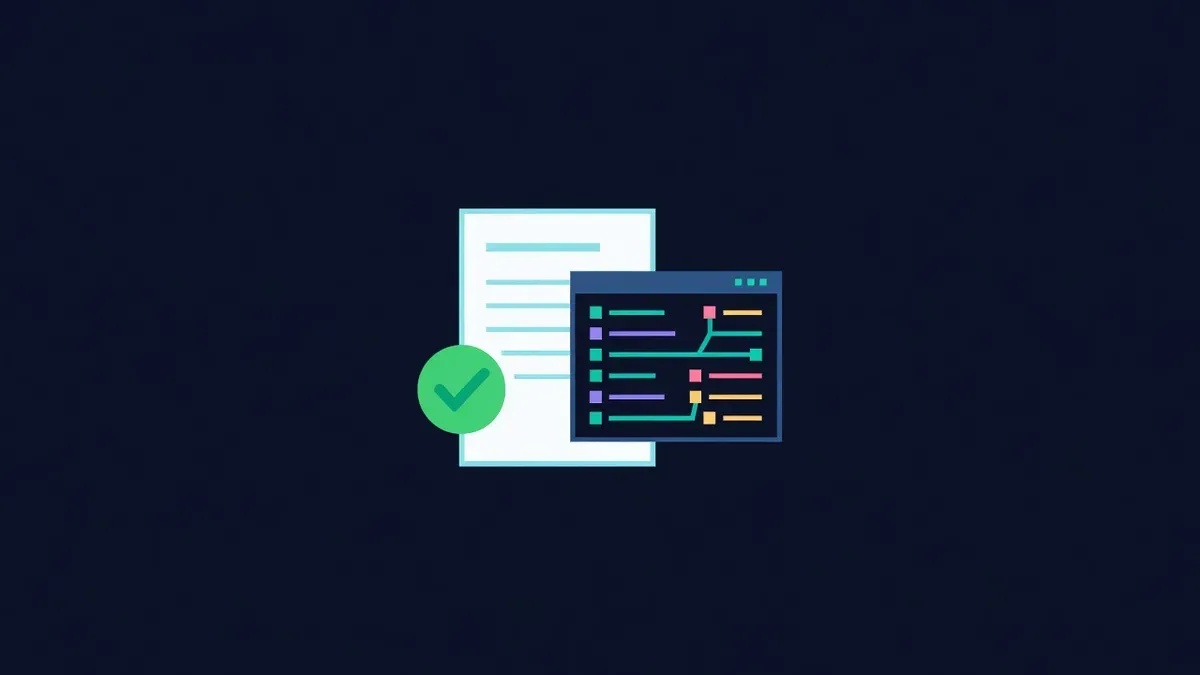
When users look up a contract on a block explorer, they often check one thing first: is the source code verified? A verified contract shows its readable source, lets anyone call read functions from the browser and signals that the team has nothing to hide. An unverified contract shows only bytecode, and careful users treat it with suspicion.
What verification means
Smart contracts are deployed as compiled bytecode. Verification is the process of submitting the original source code and compiler settings to the explorer. The explorer recompiles the source and compares the result with the deployed bytecode. If they match, the explorer marks the contract as verified and displays the source.
Verification does not mean the contract is safe. It means the displayed code is what actually runs.
Why it matters
| Benefit | For whom |
|---|---|
| Readable source code | Users, auditors and researchers |
| Read and write functions in the explorer | Users interacting without a frontend |
| Decoded transactions and events | Anyone reading activity |
| Trust signal | New users evaluating the project |
| Easier integration | Developers building on your contracts |
Many token lists, aggregators and security tools also check verification status.
How to verify
Most development frameworks include verification plugins that submit source code automatically after deployment. The general process:
- Deploy the contract with your framework
- Provide an explorer API key in your configuration
- Run the verification command with the contract address and constructor arguments
- Confirm the explorer shows the verified source
Manual verification through the explorer website works too, but requires matching every compiler setting exactly.
Common problems
Verification fails when the recompiled bytecode does not match. Typical causes:
- Compiler version mismatch. The exact version, including patch number, must match.
- Optimizer settings. Whether optimisation was enabled and the number of runs must match.
- Constructor arguments. Arguments must be encoded exactly as used at deployment.
- Libraries. Linked library addresses must be provided.
- Different source files. Even small changes, including comments in some cases, can affect metadata.
- EVM version settings. Target EVM version must match the compilation.
Keeping build artefacts from deployment makes troubleshooting much easier.
Proxy contracts
Upgradeable contracts often use proxies, where one contract holds state and forwards calls to an implementation contract. Verification needs two steps:
- Verify the implementation contract
- Mark the proxy on the explorer so it links to the implementation
Once linked, the explorer shows the implementation's functions on the proxy address. When the implementation is upgraded, verify the new implementation too, and communicate the change publicly.
Multichain deployments
If you deploy the same contract on several networks, verify it on each network's explorer. Users on each chain check their own explorer. Keep a table of contract addresses per network in your docs, with links to each verified page.
Verification as part of the process
Make verification a required step in your deployment checklist rather than something done later. Unverified contracts during a launch create doubt at the moment attention is highest, and scammers exploit the confusion by deploying lookalike contracts.
Keep verification records
Store the exact compiler version, optimizer settings, constructor arguments and source commit for every deployment in your repository. When someone asks months later why a contract differs from the code on GitHub, those records answer the question in minutes. They also make it easy to verify the same contract on a new network or re-verify after an explorer issue.
Publish verified addresses
Verified contracts only help if users can find the right addresses. Publish them on your website, in your docs and in announcements. Keep the same official website link on every public profile, including a Proud Globe pin, so users always reach the page that lists the genuine, verified contracts.
Educational content only. Nothing here is financial, legal or tax advice. Crypto assets carry risk, so check the details for your own situation.