Community Building
Setting Up a Discord Server for a Crypto Project
A setup guide for a crypto project Discord server, covering channel structure, roles, permissions, verification, bots and the settings that stop common scams.
A Discord server is often the first place a crypto community gathers, and often the first place scammers show up. A server set up carefully on day one saves hundreds of hours of moderation later. A server thrown together in an afternoon tends to fill with bots, fake support accounts and confused members asking the same question in six channels.
Plan the channel structure
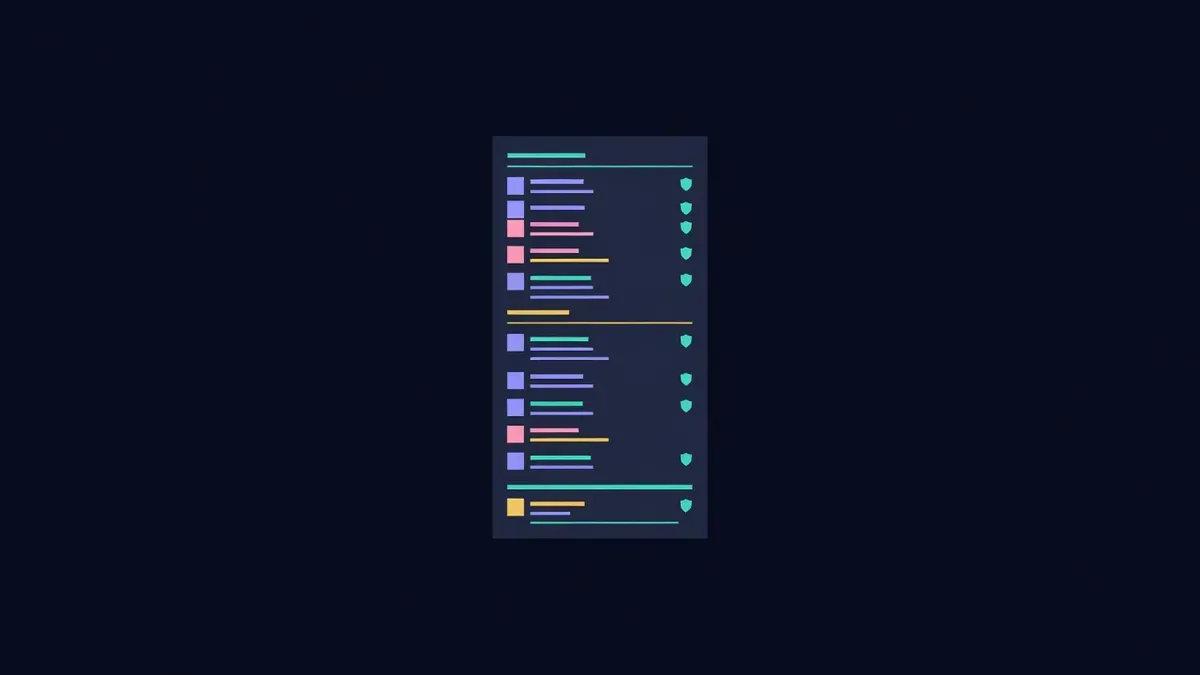
Start small. Empty channels make a new server feel dead, and too many channels scatter conversation. A good starting structure has four groups.
Start here
- welcome, with rules and a short description of the project
- official-links, read only, with the website, docs, contracts and social accounts
- announcements, read only
Community
- general
- introductions
- memes or off-topic, if you want to keep general focused
Product
- support, or a forum channel where each question becomes a thread
- feedback and ideas
- one channel per major product area, only when volume justifies it
Team
- private channels for moderators and core contributors
Add a new channel only once an existing one becomes too busy to follow.
Roles and permissions
Roles control what people can see and do. Keep the list short and clear:
| Role | Purpose | Key permissions |
|---|---|---|
| Unverified | New arrivals | See welcome and verification only |
| Member | Verified users | Read and write in community channels |
| Contributor | Trusted helpers | Access to contributor channels |
| Moderator | Community safety | Timeout, delete messages, manage threads |
| Team | Core team | Access to team channels |
| Admin | Server owners | Full permissions, held by very few |
Give administrator permission to as few accounts as possible, ideally two or three. Every admin account is a target for takeover. Moderators rarely need it.
Verification
Require new members to complete a simple verification step before they can post. Discord's built-in onboarding and membership screening can ask members to accept rules. A verification bot can add a button or a simple challenge. This alone blocks most spam bots.
Avoid verification flows that ask users to connect a wallet unless your community genuinely needs token gating. Wallet prompts inside Discord train users to connect wallets to links, which is exactly the habit scammers exploit.
Settings that stop common scams
Several settings reduce risk significantly:
- Turn off direct messages from server members by default in the server privacy settings
- Enable the highest practical verification level for new accounts
- Use AutoMod to block messages containing common scam phrases and unknown links
- Prevent members from using names like "Admin", "Support" or team member names
- Restrict who can mention everyone or large roles
- Require two-factor authentication for moderators
Post a pinned message in every busy channel stating that the team never DMs first and never asks for seed phrases.
Bots worth adding
Keep bots to a minimum, because each bot is another integration with permissions. Useful categories include a verification bot, a moderation or logging bot that records deleted messages and joins, and a ticket bot for private support. Review each bot's permissions and remove anything it does not need.
Welcome and onboarding
The welcome channel should answer three questions: what the project is, where to find official information and where to go next. Keep it short. Link to the docs and the official-links channel. Many servers also use onboarding questions to assign roles based on interests, such as developer or trader, which lets members hide channels they do not care about.
Keep it alive
A new server needs regular activity from the team. Post updates, answer questions in public channels so others learn, and host a short weekly call or AMA. Invite early members to help moderate once they have shown good judgement.
Give members something to be proud of outside Discord too. Many communities share a group pin on a public map, such as a tile on the Proud Globe, and link it from the welcome channel as a badge of where they belong.
Educational content only. Nothing here is financial, legal or tax advice. Crypto assets carry risk, so check the details for your own situation.