Web3 Builders
Designing Crypto Apps for Mobile Wallets
How to design crypto apps that work well inside mobile wallet browsers and with deep links, covering layout, connection flows, transaction prompts and testing.
A large share of crypto users never touch a desktop wallet extension. They use mobile wallets, often opening dApps inside the wallet's built-in browser or jumping between a mobile browser and a wallet app. Apps designed only for desktop extensions frustrate these users with broken connections, hidden buttons and prompts that never appear.
Designing for mobile wallets from the start avoids those problems.
Understand the two main mobile flows
Mobile users usually reach dApps in one of two ways:
| Flow | How it works | Common issues |
|---|---|---|
| In-wallet browser | User opens the dApp inside the wallet app | Limited browser features, different storage behaviour |
| External browser plus wallet app | User browses in a normal browser and connects to a separate wallet app | App switching, lost state, connection timeouts |
Support both. Detect injected wallet providers for in-wallet browsers and offer a wallet connection protocol for external browsers.
Layout for small screens
Mobile layouts need more than responsive breakpoints:
- Keep primary actions within thumb reach near the bottom of the screen
- Make buttons large enough to tap reliably
- Avoid hover-dependent interactions
- Show amounts, tokens and networks in readable sizes
- Keep critical information visible when the on-screen keyboard opens
Test layouts on smaller phones as well as recent large devices.
Connection flows
Connection on mobile involves more steps than on desktop, so clarity matters:
- Explain what connecting does before starting
- Detect the environment and show the most likely option first
- After the user switches to the wallet app, preserve app state so they return to the same place
- Show a clear status if the connection is pending
- Offer a retry and an alternative method if connection fails
Preserving state is essential. If returning from the wallet reloads the page and loses a half-completed form, users give up.
Transaction prompts
On mobile, users often cannot see the dApp and the wallet prompt at the same time. Before requesting a transaction:
- Summarise the action, token, amount and network in the app
- Tell the user a wallet prompt will open
- After returning, show whether the transaction was sent, pending or rejected
- Link to the transaction on a block explorer
Avoid chaining several transactions without explanation, since each one requires another app switch.
Deep links and QR codes
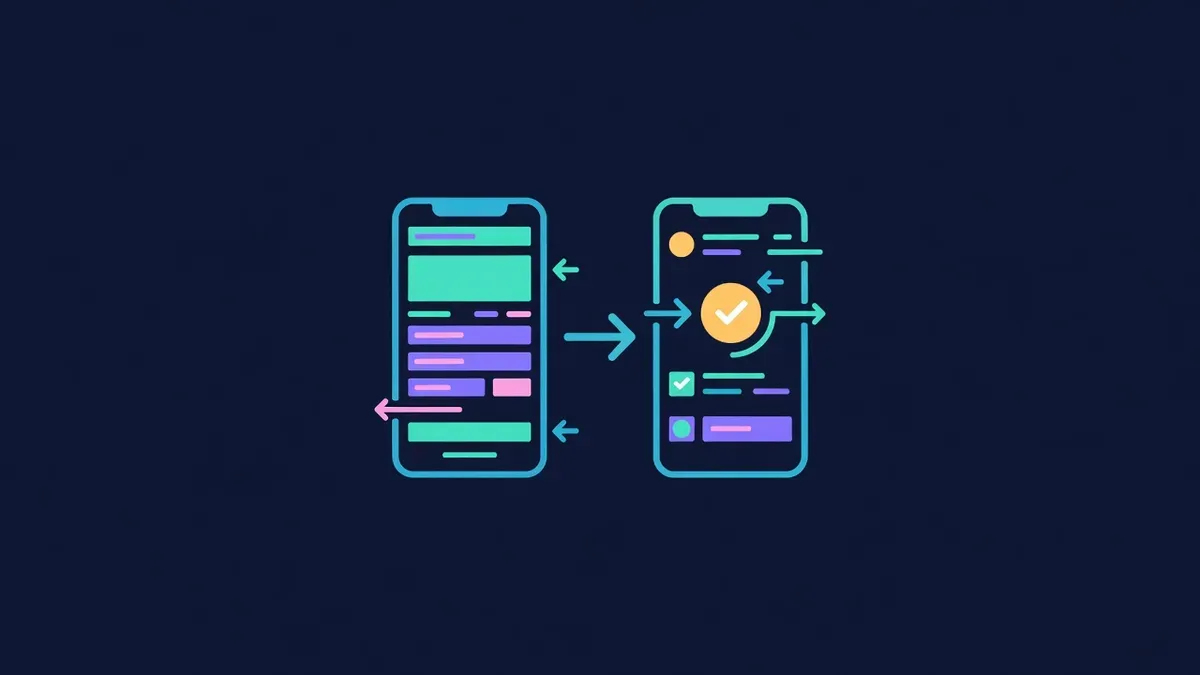
Deep links can open a wallet with a prepared request, and QR codes let users scan payment details from another device. Support varies between wallets, so:
- Test deep links with the wallets your users rely on most
- Provide QR codes with a plain address fallback
- Always show amounts and addresses in text for manual entry
Storage and session behaviour
In-wallet browsers may clear storage differently, block pop-ups or restrict certain APIs. Keep important state on the server where possible, such as order status, so users can reopen a link and continue.
Performance on mobile networks
Mobile wallet users often browse on cellular data. Keep bundles small, load wallet libraries only when needed and render useful content before any connection. Fast first loads reduce abandonment dramatically.
Testing checklist
| Test | Why |
|---|---|
| Open the app in the top wallet browsers for your audience | Catch compatibility issues |
| Connect from an external mobile browser | Validate app switching |
| Complete a full transaction on a low-fee network | Confirm prompts and status updates |
| Rotate the device and use a small screen | Check layout |
| Test on a slow connection | Check performance |
| Return after closing the app mid-flow | Check state recovery |
Payments without connections
Some flows need no connection at all. A payment page with a copyable address, amount and QR code works in any browser and any wallet. Proud Globe's order pages follow that pattern, with an optional wallet button, so you can claim a tile entirely from a phone.
Educational content only. Nothing here is financial, legal or tax advice. Crypto assets carry risk, so check the details for your own situation.