Web3 Builders
Documentation That Developers Actually Read
How Web3 teams can write developer documentation that people use, with quick starts, clear structure, working examples, contract references and regular maintenance.

Developers decide quickly whether a protocol or tool is worth their time, and documentation often makes that decision for them. If the first page is confusing, examples fail or contract addresses are missing, they move on. Good documentation turns curious developers into integrators, reduces support questions and signals that a project is serious.
Know who reads your docs
Documentation serves several audiences:
| Reader | What they want |
|---|---|
| Evaluating developer | Understand what the protocol does and whether it fits |
| Integrating developer | Step by step instructions and working code |
| Auditor or researcher | Architecture, security assumptions and contract details |
| Frontend developer | SDK usage, events and data formats |
| Community contributor | How to contribute and run the project locally |
Organise documentation so each reader finds their path quickly.
Start with a quick start
The quick start is the most important page. It should let a developer achieve something meaningful in minutes:
- Install the package or configure access
- Connect to a testnet
- Perform one core action, such as reading data or sending a transaction
- See the result
Test the quick start regularly with a fresh environment. Broken quick starts damage trust faster than any other documentation problem.
Structure the rest
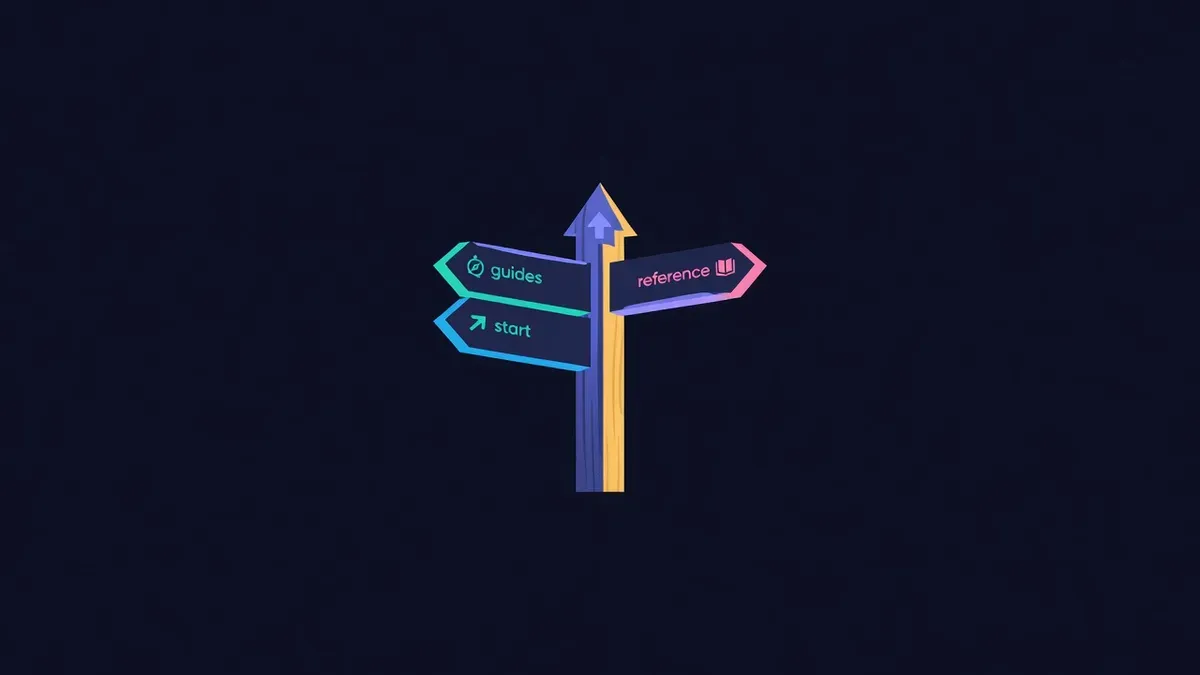
A common structure that works:
- Overview: what the project does and key concepts
- Quick start: first success in minutes
- Guides: task-based tutorials for common integrations
- Reference: contracts, functions, events, SDK methods and API endpoints
- Security: audits, risks and trust assumptions
- Resources: deployed addresses, changelogs and support channels
Keep navigation consistent and searchable.
Write examples that work
Examples should be complete, copyable and tested. Avoid snippets that depend on unexplained variables or outdated library versions. Show expected output. For smart contracts, include both reading and writing examples, plus how to handle errors.
Where possible, run examples automatically in continuous integration so broken code is caught before developers find it.
Document contract addresses carefully
Contract addresses are among the most visited pages in Web3 docs:
- List addresses per network in a table
- Link each address to its verified explorer page
- Mark deprecated contracts clearly
- Include deployment dates and versions
- Warn about fake contracts and official sources
Explain concepts before details
Many protocols introduce unfamiliar terms. Define them the first time they appear and link to a glossary. A short conceptual overview with a simple diagram saves developers from piecing together meaning from reference pages.
Keep documentation current
Outdated documentation causes failed integrations and security risks. Maintain it:
- Update docs in the same pull request as code changes
- Keep a changelog with migration notes
- Review top pages each quarter
- Remove or clearly mark obsolete content
Listen to feedback
Track search queries that return no results, questions asked repeatedly in developer channels and pages with high exit rates. Each is a signal about missing or confusing documentation.
Treat documentation as a product
Assign an owner for documentation, just as you would for any product feature. The owner reviews pull requests for doc changes, keeps the navigation tidy and tracks a small set of metrics, such as quick start completion and top search terms. Documentation that belongs to everyone tends to belong to no one, and it drifts out of date within months. A named owner, even part-time, keeps the most important pages accurate and makes sure new features ship with the instructions developers need to use them.
Make docs easy to find
Link documentation from your website header, repository README and developer community channels. Consistent links across official profiles help developers avoid outdated copies. Some teams add their docs link to their Proud Globe pin, which gives builders browsing the globe a direct path to the quick start.
Educational content only. Nothing here is financial, legal or tax advice. Crypto assets carry risk, so check the details for your own situation.