Stablecoins and Payments
Crypto Payment Links and QR Codes Explained
How crypto payment links and QR codes work, including the EIP-681 format for token payments, wallet support, testing tips and how to avoid common scanning errors.
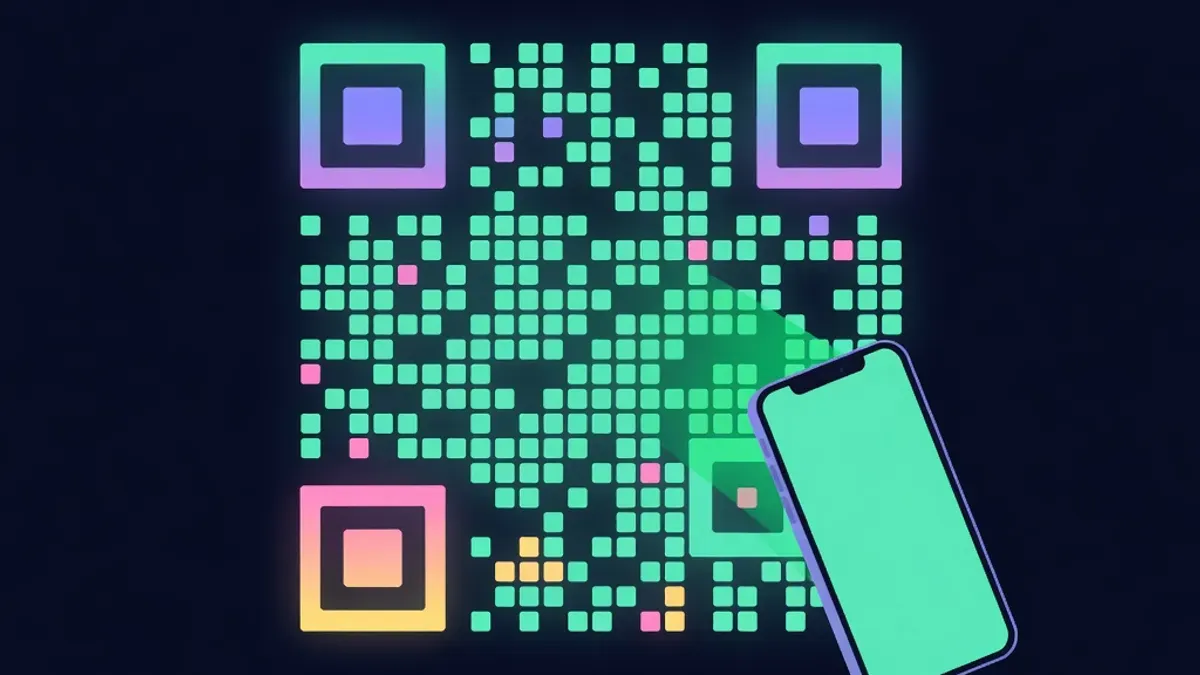
Typing a wallet address and an amount by hand is where many crypto payments go wrong. One wrong character or a misplaced decimal and the payment fails or goes somewhere unintended. Payment links and QR codes reduce those errors by packing the details into something a wallet can read directly.
Two kinds of QR codes
Crypto checkouts usually show one of two things:
- An address-only QR code. It contains just the wallet address. The customer's wallet fills in the recipient, and the customer chooses the token, network and amount.
- A payment request QR code. It contains the address plus the token, network and amount. A supporting wallet opens a pre-filled payment screen.
Address-only codes work with almost every wallet but leave room for mistakes. Payment requests reduce mistakes but depend on wallet support.
The EIP-681 format
On EVM networks, payment requests commonly follow a standard called EIP-681. A request for a token transfer looks like this:
ethereum:0xTokenContract@8453/transfer?address=0xRecipient&uint256=25370000
The parts are:
| Part | Meaning |
|---|---|
| ethereum: | The URI scheme wallets recognise |
| 0xTokenContract | The token contract, such as USDC |
| @8453 | The chain ID, here Base |
| /transfer | The token function to call |
| address= | The recipient |
| uint256= | The amount in the token's smallest units |
The amount uses base units. USDC with six decimals represents 25.37 as 25370000. Getting decimals wrong in a payment request is a serious bug, so read decimals from the token contract rather than assuming.
Wallet support varies
Many popular mobile wallets understand EIP-681 requests, but support is uneven, especially for token transfers and non-Ethereum chain IDs. Some wallets read the recipient but ignore the amount. Others read the token but misinterpret the chain.
For that reason, good checkouts offer both options: a payment request code by default and a simple way to switch to an address-only code. They also show the amount and network in text next to the code so customers can check the wallet screen before confirming.
Payment links on desktop
On desktop, a link using the same format can open a wallet app, but support is limited. A more reliable option is a "pay with browser wallet" button that asks an injected wallet to switch networks and send a transfer with the right token, recipient and amount. The customer still reviews and approves the transaction in their wallet.
Testing before you go live
Test every combination you plan to support:
- Scan the code with at least three popular mobile wallets
- Check the recipient, token, network and amount on each wallet screen
- Send a small real payment on each network
- Try the address-only fallback
- Test the browser wallet button with a desktop extension
Keep notes on which wallets handle requests correctly and mention reliable options in your payment help page.
Avoiding common errors
A few design choices prevent confusion:
- Make the QR code large enough to scan from a laptop screen
- Use high contrast, dark modules on a white background
- Keep a quiet margin around the code
- Show the network name prominently above or beside the code
- Never embed a QR code in an email without a matching text address, since phishing emails use fake codes
Safety for customers
Tell customers to confirm the recipient address in their wallet matches the address on the page, at least the first and last few characters. Malware that swaps clipboard contents or alters displayed codes exists. A quick visual check protects against it.
Proud Globe order pages show a payment request QR code with an address-only fallback, plus a browser wallet button. You can see it after you pick a tile and create an order.
Educational content only. Nothing here is financial, legal or tax advice. Crypto assets carry risk, so check the details for your own situation.